¶ Hierarchical Project Structure
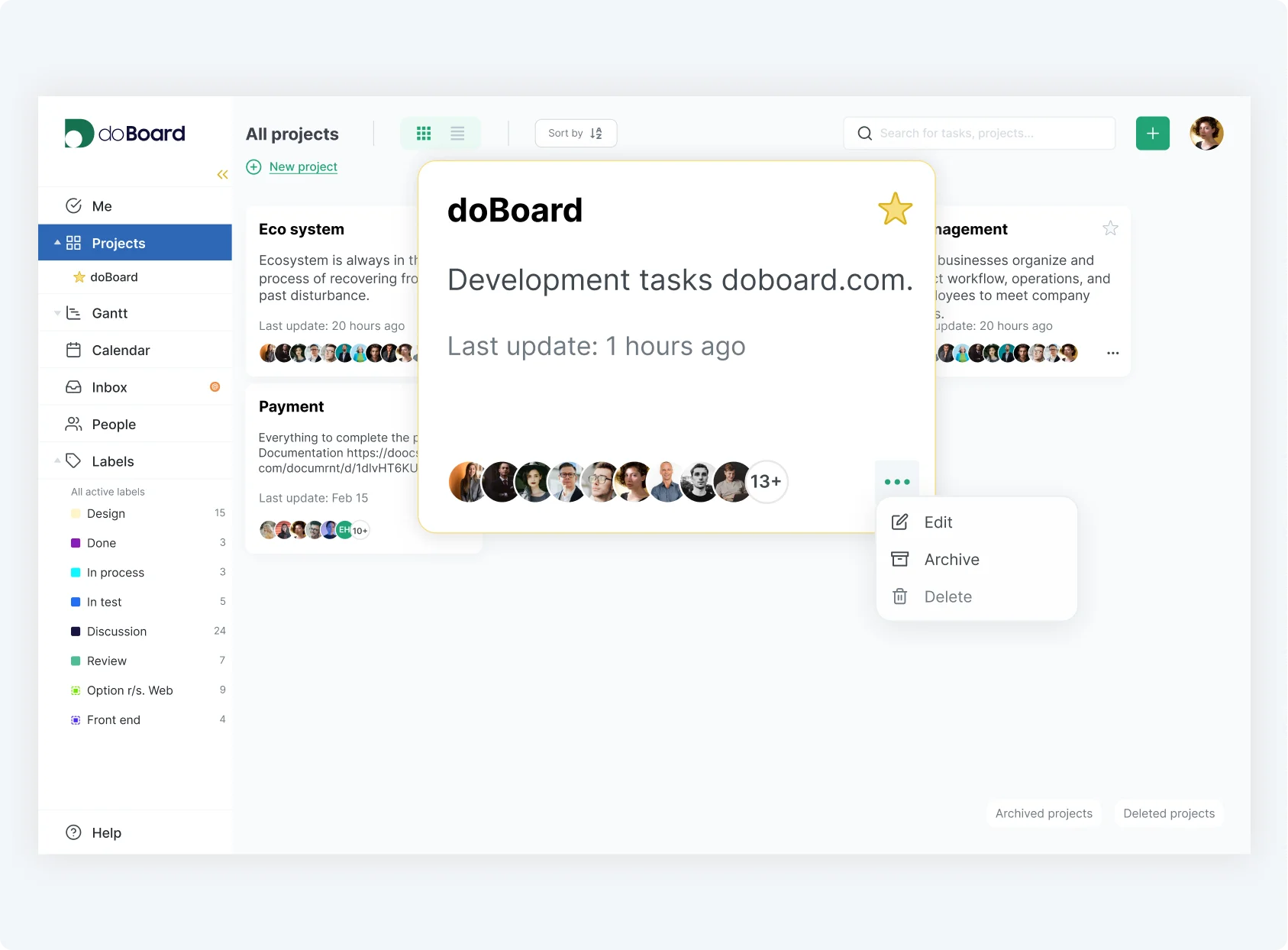
Keep even the most complex projects clear and manageable with a clean, intuitive hierarchy. Doboard lets you organize tasks, teams, and workflows into structured layers, so you can easily navigate between high-level goals and detailed action items. Whether you're managing a large initiative or coordinating multiple teams, a well-defined hierarchy gives you full visibility and control—without the clutter.
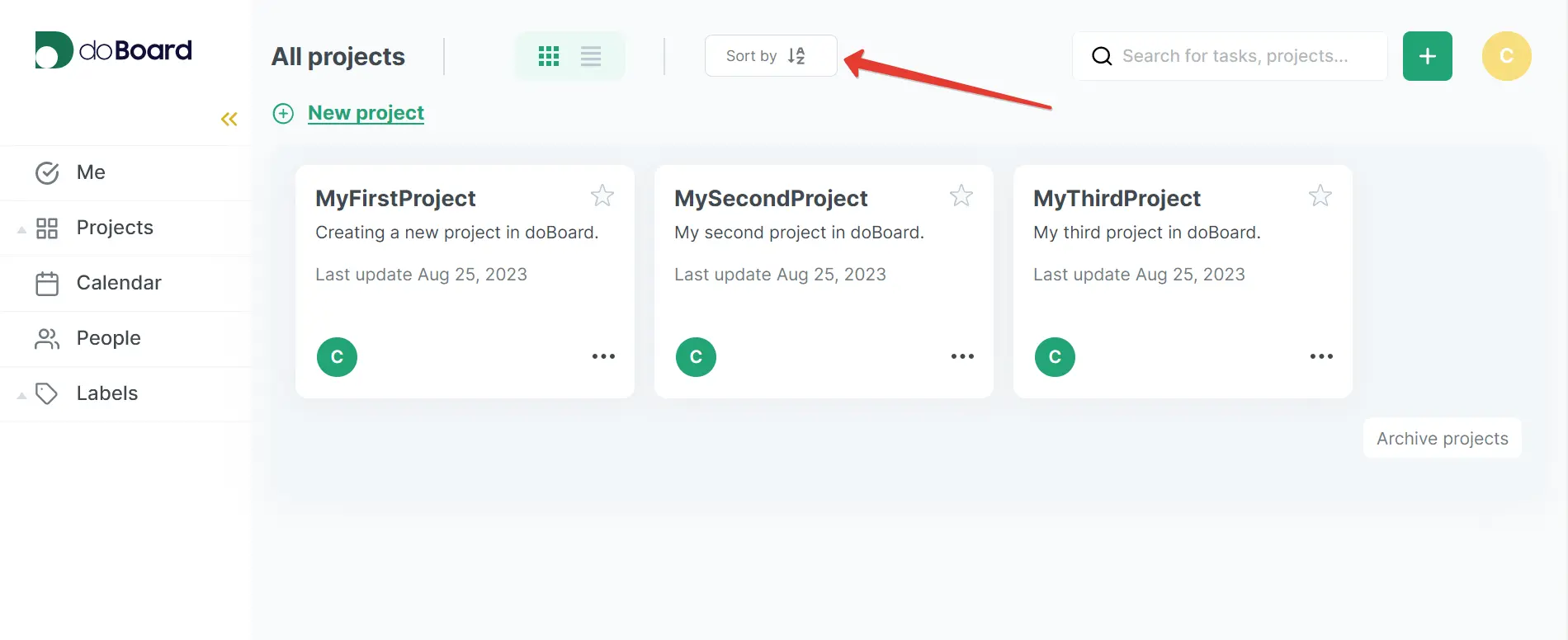
In the Projects view, you can sort tasks alphabetically or reverse the order for quick navigation. To adjust the sorting, simply click the Sort by icon at the top of the screen.
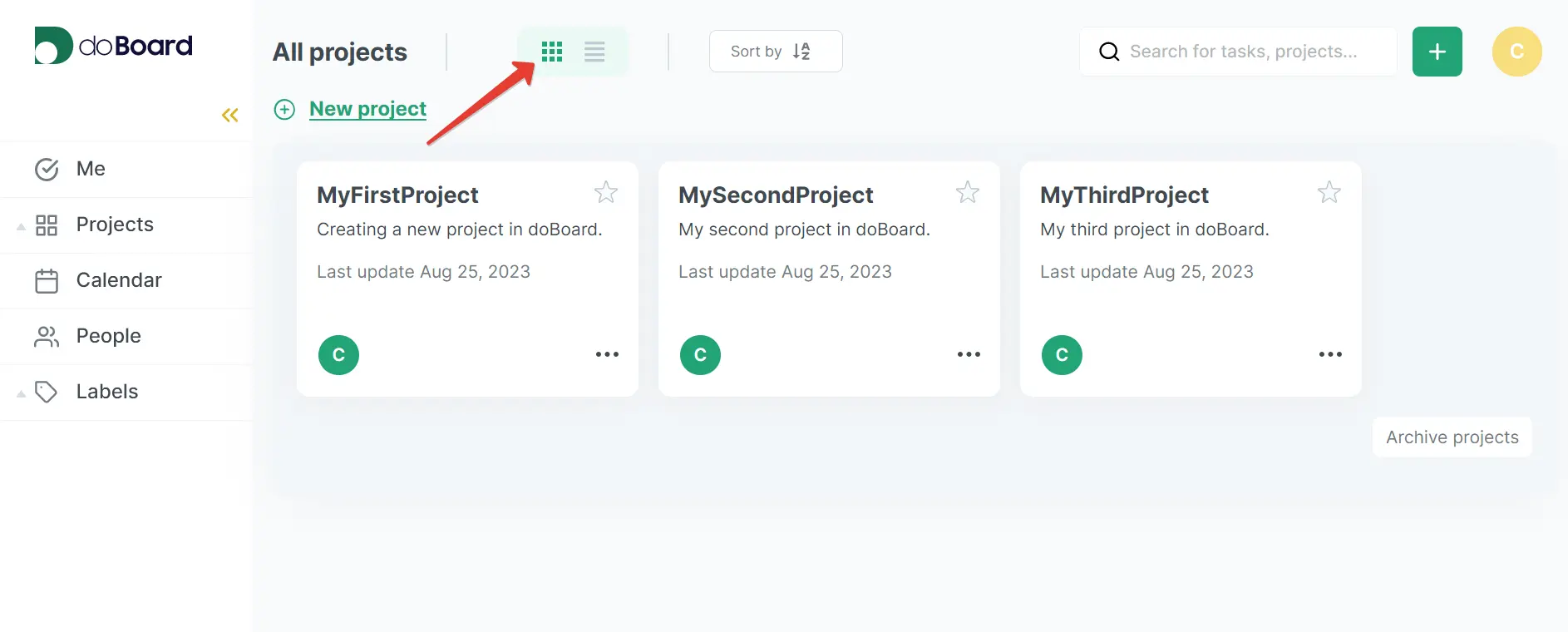
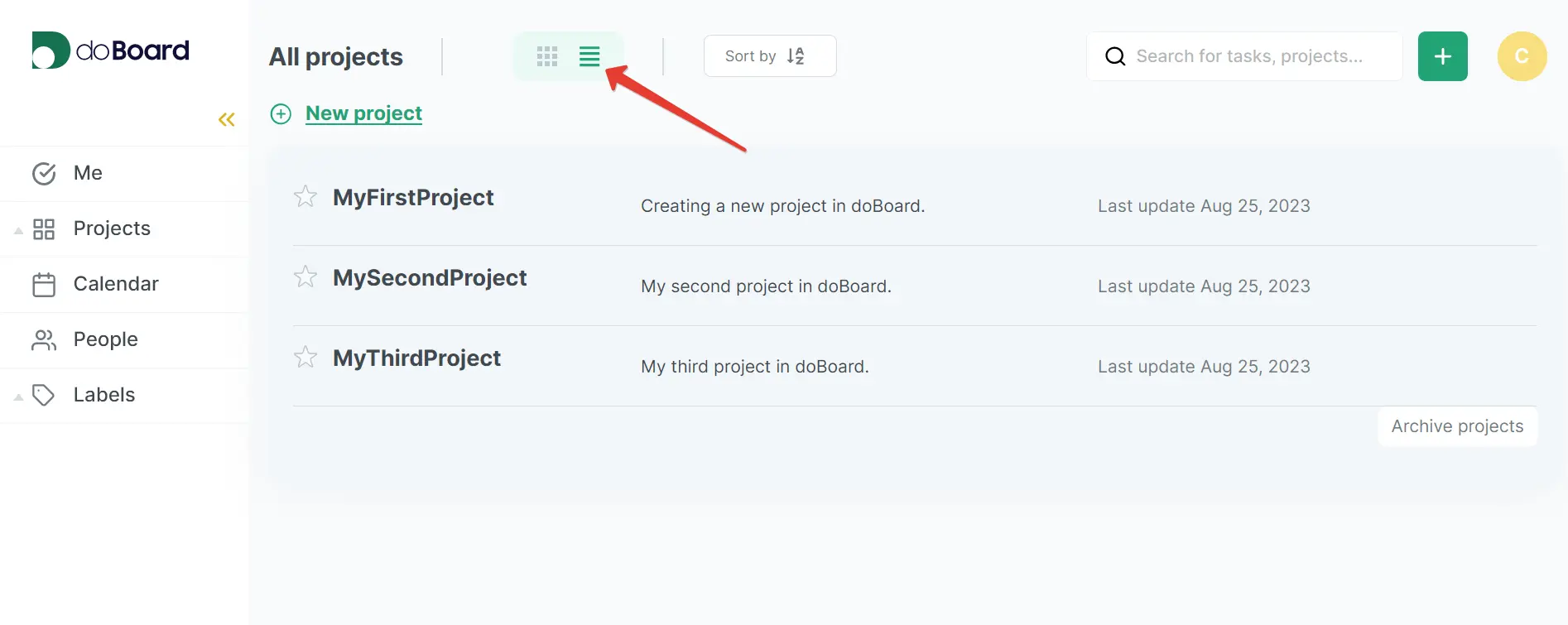
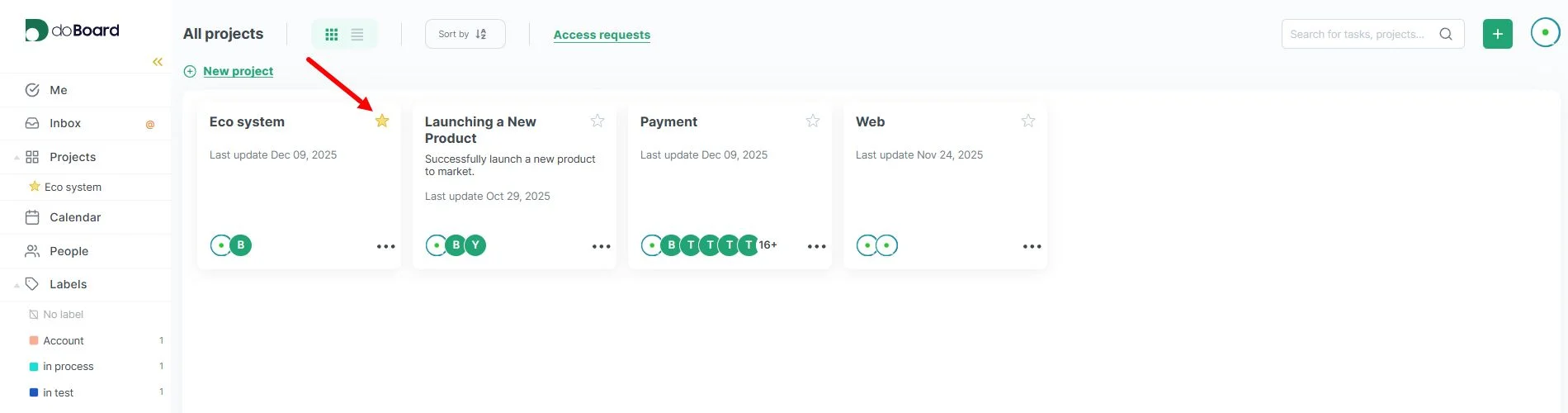
You can also choose how your projects are displayed—either as a tile view or a list view—so you can work in the layout that suits you best.
Tile display:
List display:
You can also add any project to your favorites for instant access, making it easy to keep your key projects close at hand.
Together, these tools give you full control over your project hierarchy, helping you navigate, organize, and manage your workspace with clarity and ease.
Maybe these links will also be helpful: