¶ User Locations
On the People page, you can add locations where members are located. You can add a new location or edit an existing one.
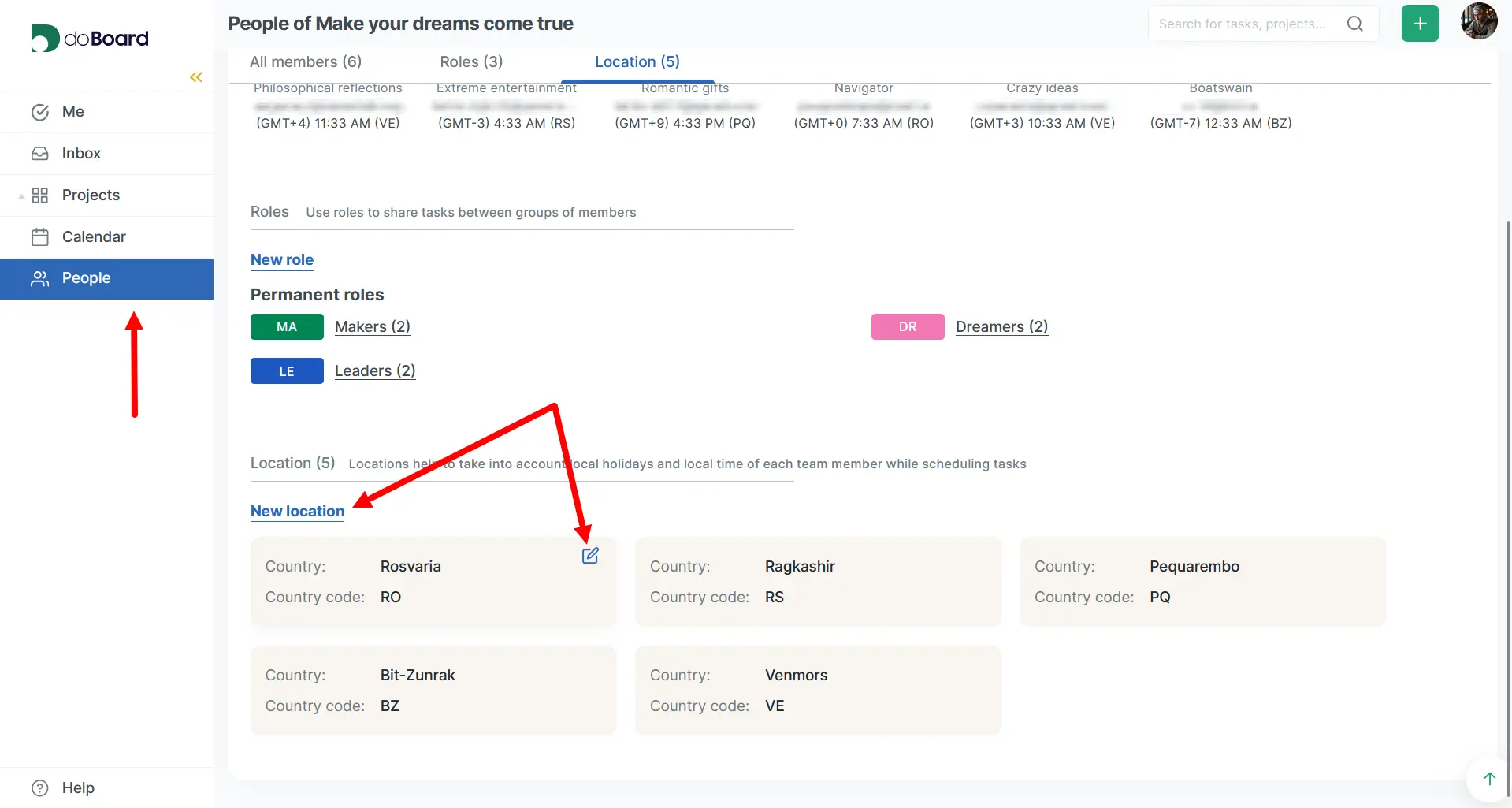
The ‘Country code’ field is for entering a unique identifier established by the International Organization for Standardization (ISO). It consists of 2 letters.
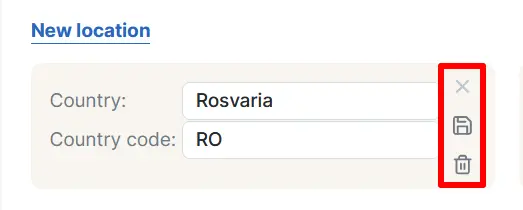
When editing a location, you can cancel, save changes, or delete the location.
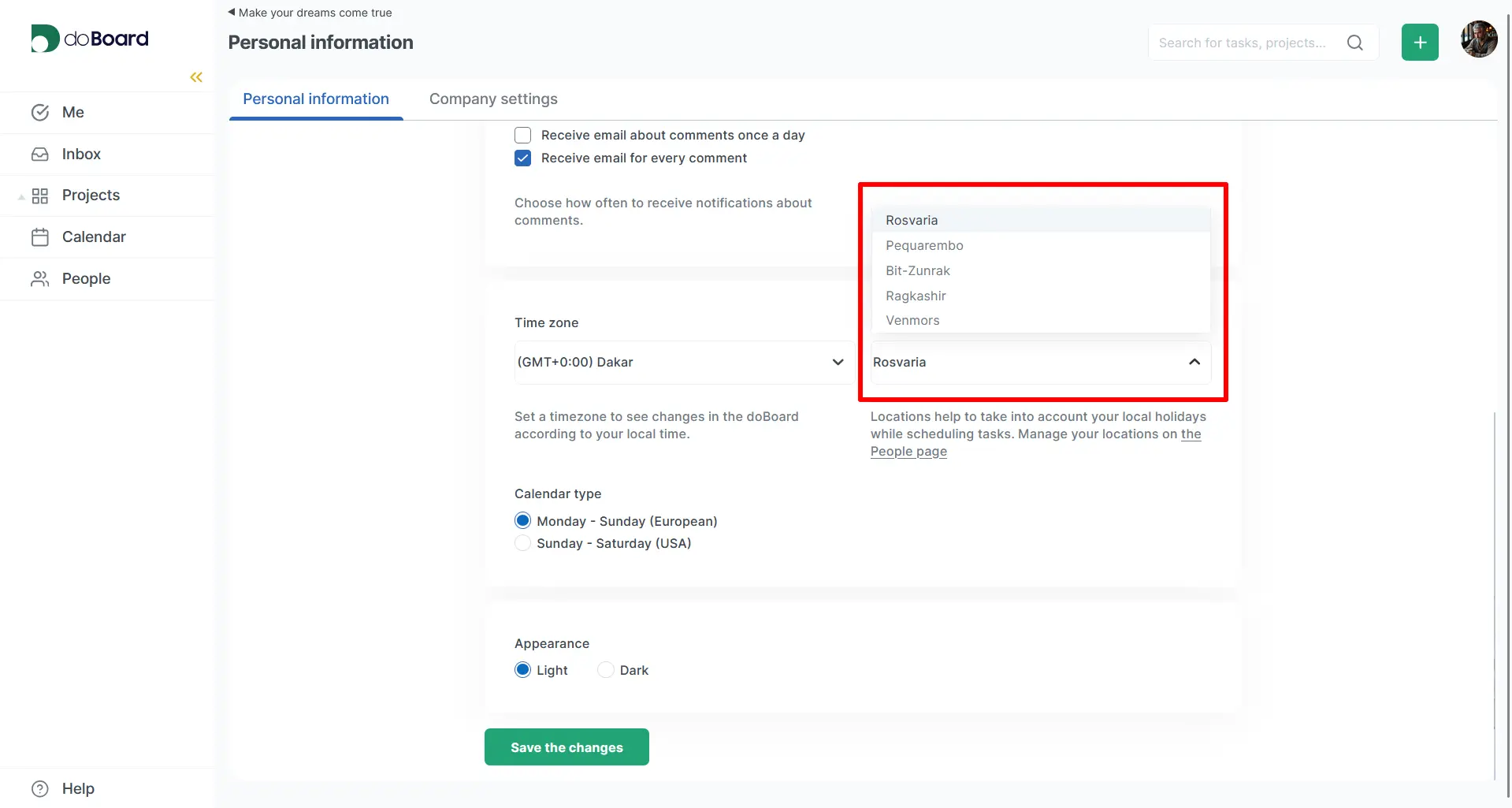
All available locations will be displayed on the member's settings page and will be available for selection.
Members can create and edit locations with any role except Regular.